Version 1.6.0 overview
JigsawDesigner 1.6.0: SVG Fidelity and Faster Vector Editing
Version 1.6.0 focuses on keeping richer SVG projects intact and making common vector-editing actions feel more direct. The source project identifies the build as 1.6.0 (36); check the App Store listing for the version currently available in your storefront.

What you can do
- More reliable embedded SVG resources
- On-canvas selection resize and rotation
- Smoother Pencil paths and open-path workflows
- Accurate zoom, Fit to Window, and project migration
Richer SVG documents survive the edit-save-reopen cycle
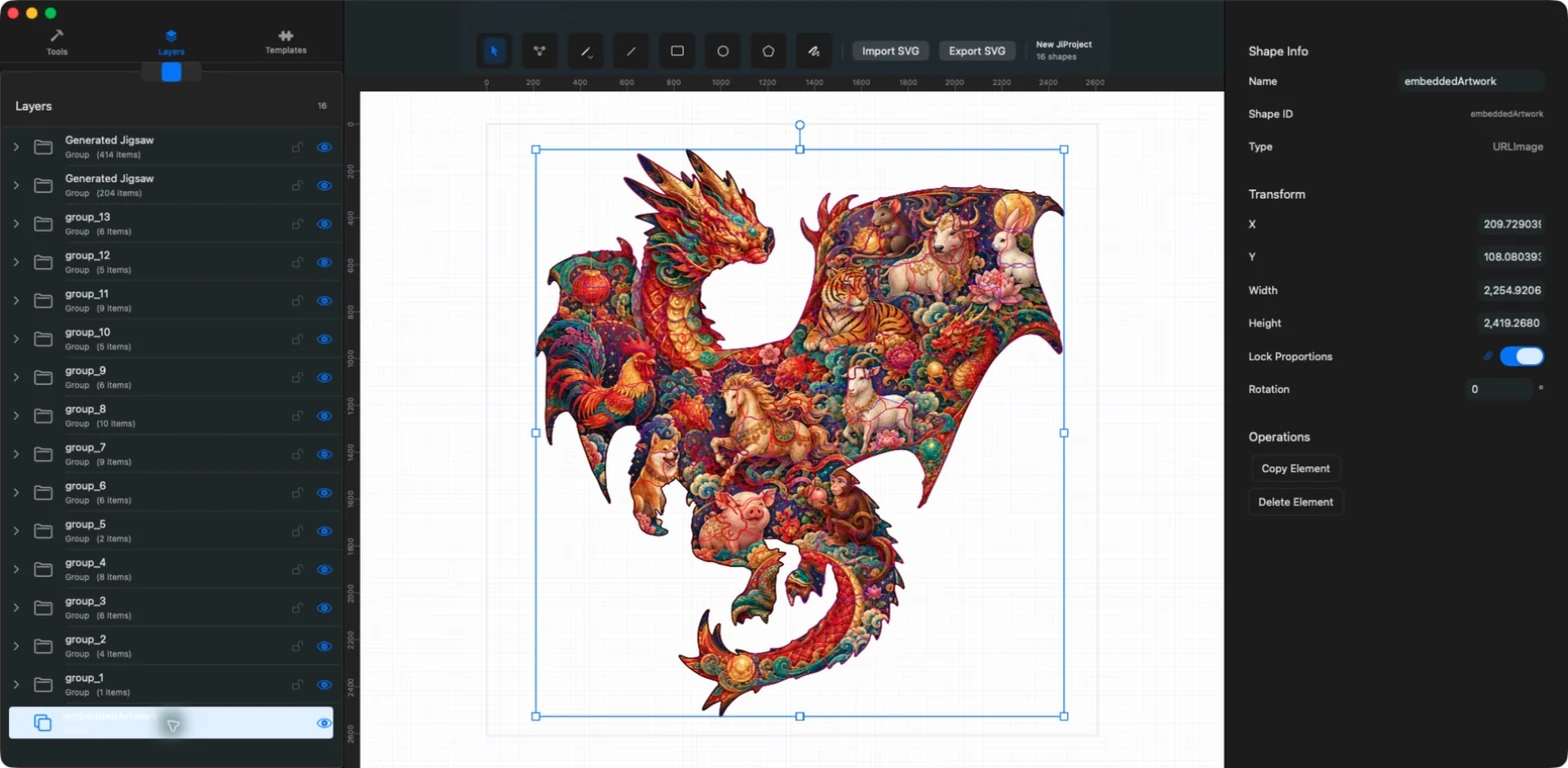
Version 1.6.0 more reliably preserves embedded images, gradients, patterns, and clipping paths while importing, editing, saving, and reopening a project. Project packages keep document.svg beside content-addressed assets so editable source files can remain portable.
Resize and rotate selections on the canvas
Selection handles now support direct resize and rotation around the selection center. Proportion locking and Inspector values remain available when a precise numeric adjustment is more appropriate.
Smoother Pencil curves and better open contours
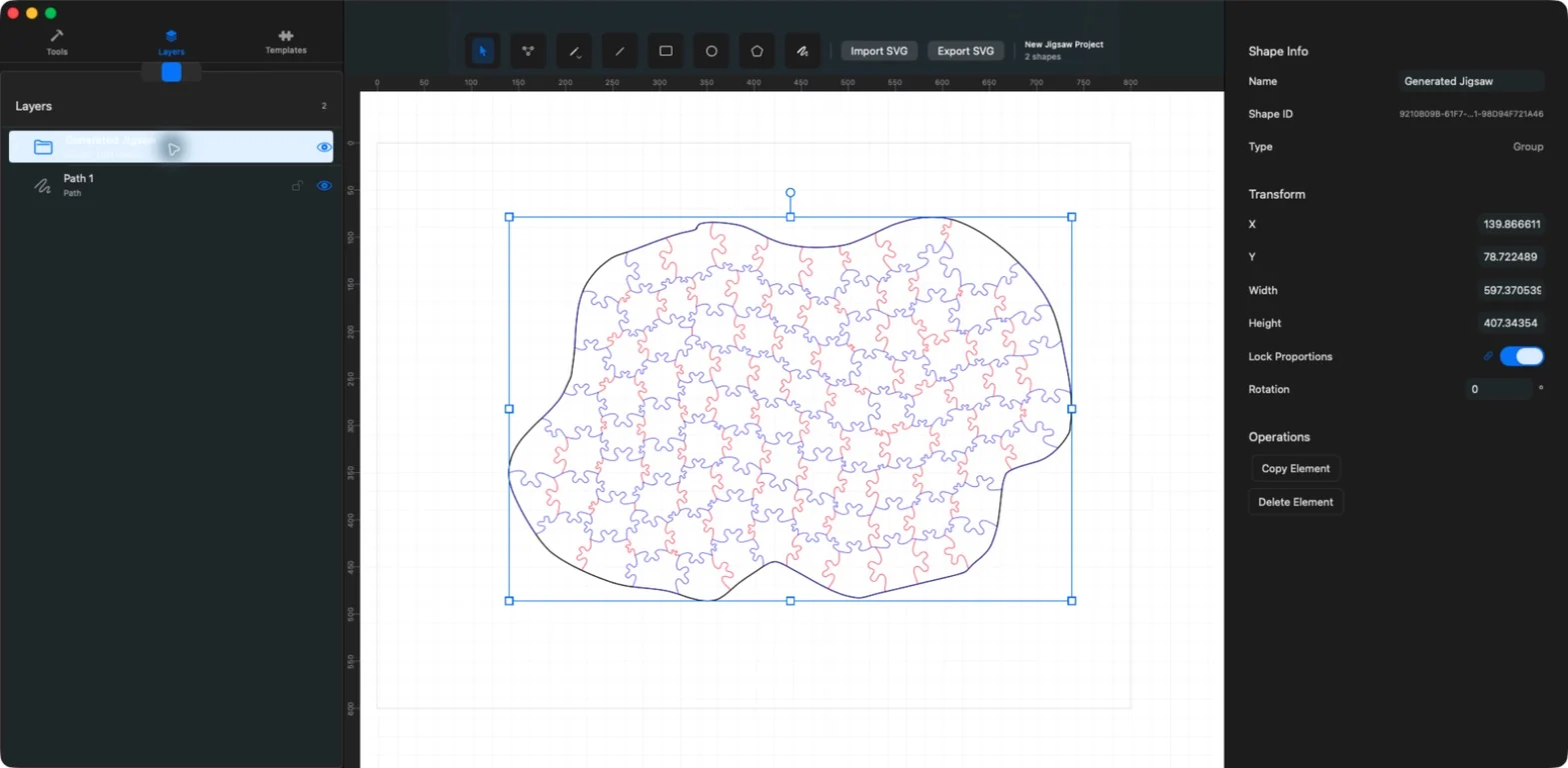
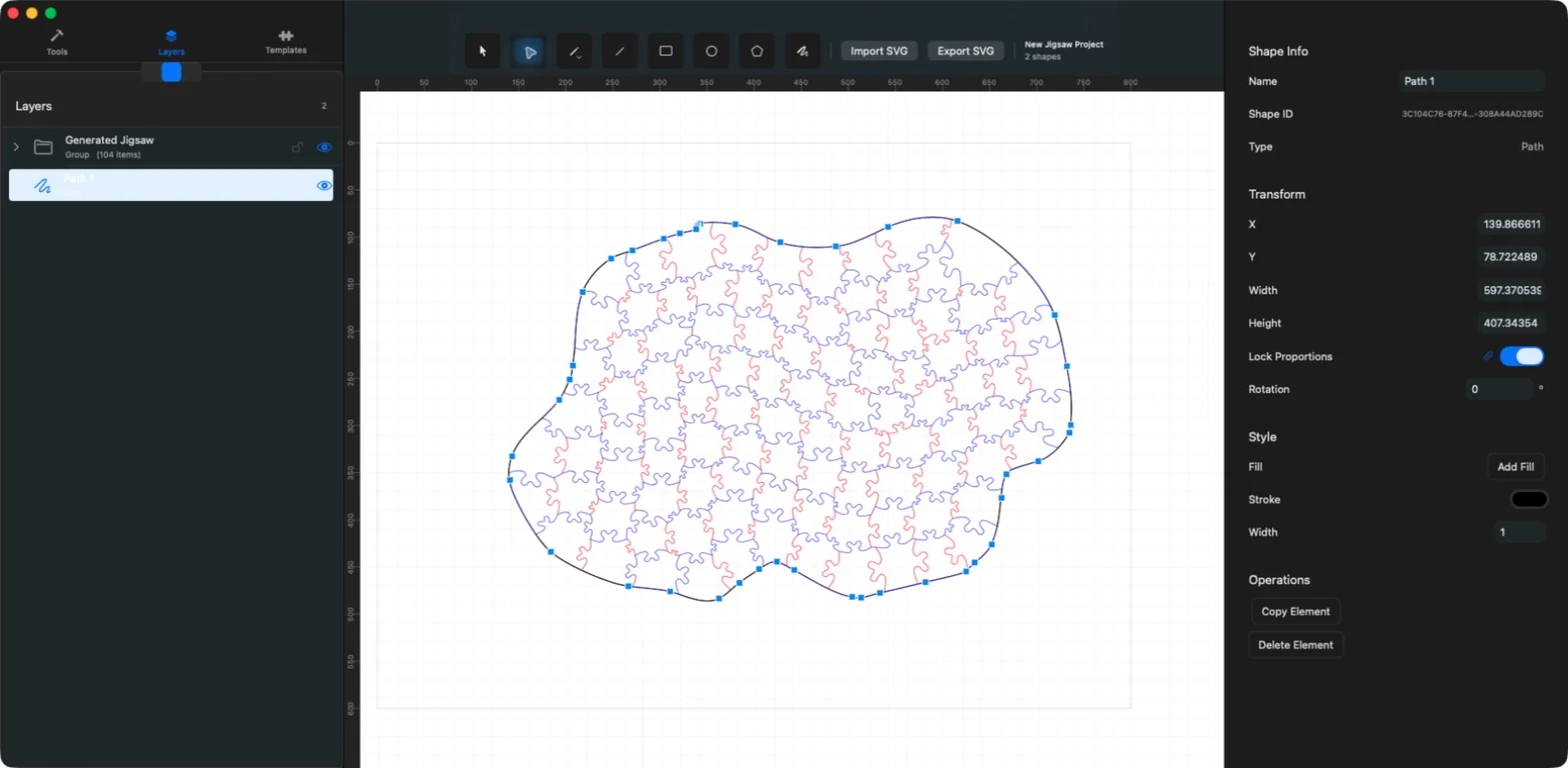
Pencil processing produces smoother paths, and open contours can be continued or joined. Point Edit remains available for refining anchors and Bezier handles after drawing.
Accurate zoom and migration from earlier projects
The editor reports a real zoom percentage, supports Fit to Window, and keeps screen-sized anchors and handles useful across a wide zoom range. Version 1.6.0 also includes migration for local and iCloud projects created by earlier releases, plus stability fixes.
SVG remains the current and only export format.