Native vector editing
SVG Puzzle Editor for Mac, iPad, and iPhone
Use a native Apple-platform editor for puzzle boundaries, templates, and generated cutlines. Work with paths and common SVG shapes, organize nested groups, and keep the document editable from import through export.

What you can do
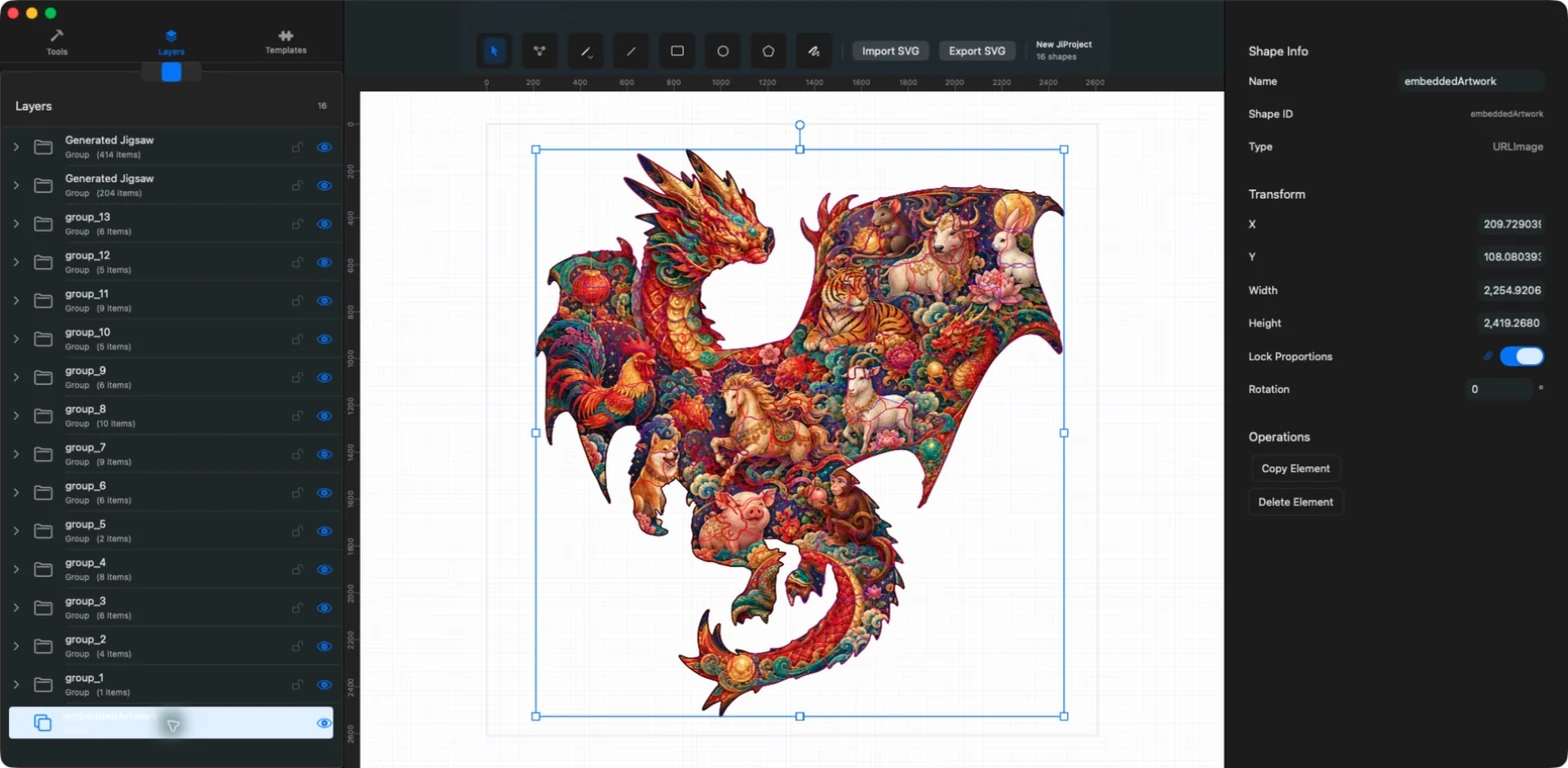
- Eight drawing and editing tools
- Multi-selection, grouping, and layers
- On-canvas scale and rotation
- Accurate zoom from 1% to 3200%
Bring SVG artwork into an editable document
Import paths, rectangles, circles, text, images, and grouped geometry. Version 1.6.0 improves preservation of embedded images, gradients, patterns, and clipping paths when editing, saving, and reopening projects.
Remote HTTP image references are not fetched. Embed required assets in the SVG or project instead.
Draw and edit vector geometry
Choose Select, Point Edit, Pencil, Line, Rectangle, Circle, Polygon, or Bezier. Pencil supports smoother freehand paths, while open contours can be continued or joined in the current editor.
- Shift-select multiple elements
- Drill into nested groups
- Edit anchors and Bezier handles
- Resize and rotate around the selection center
Organize, save, and export
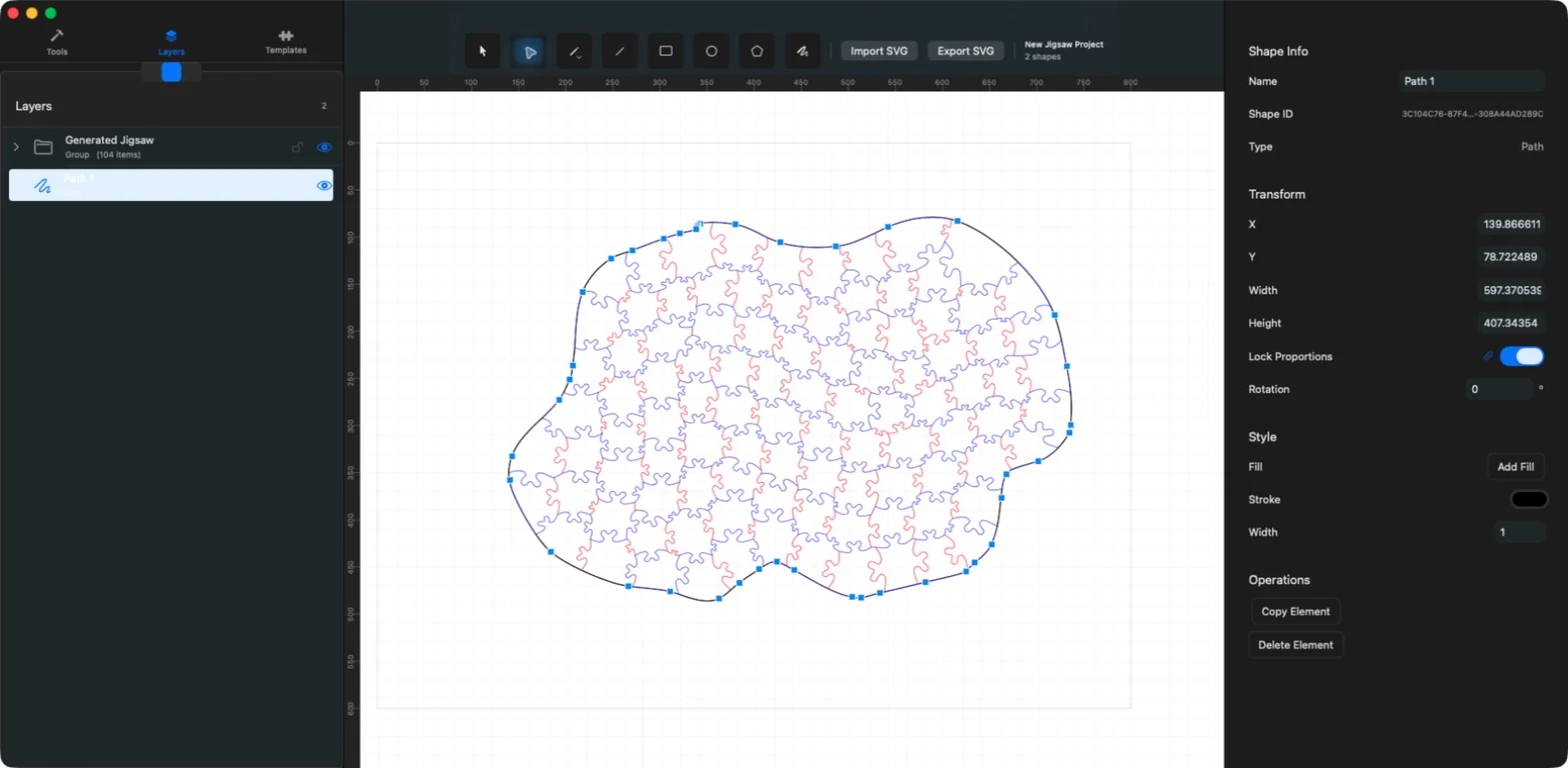
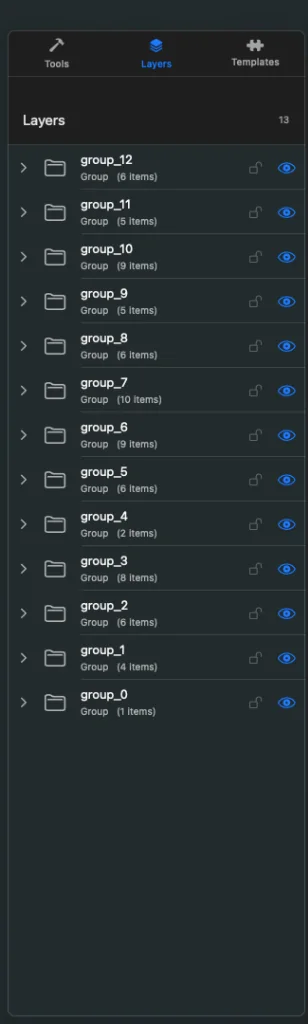
Use Layers to inspect hierarchy, toggle visibility, and lock elements. Projects are stored as .jigsawproject packages with document metadata, SVG, and embedded assets. Export produces a portable SVG document.
Frequently asked questions
Which export formats are supported?
SVG is the current export format.
Does the editor work on iPhone as well as Mac and iPad?
Yes. The Apple app target supports iPhone, iPad, and Mac, with layouts adapted for each form factor.