Native Apple puzzle design
Jigsaw Puzzle Generator for Mac, iPad, and iPhone
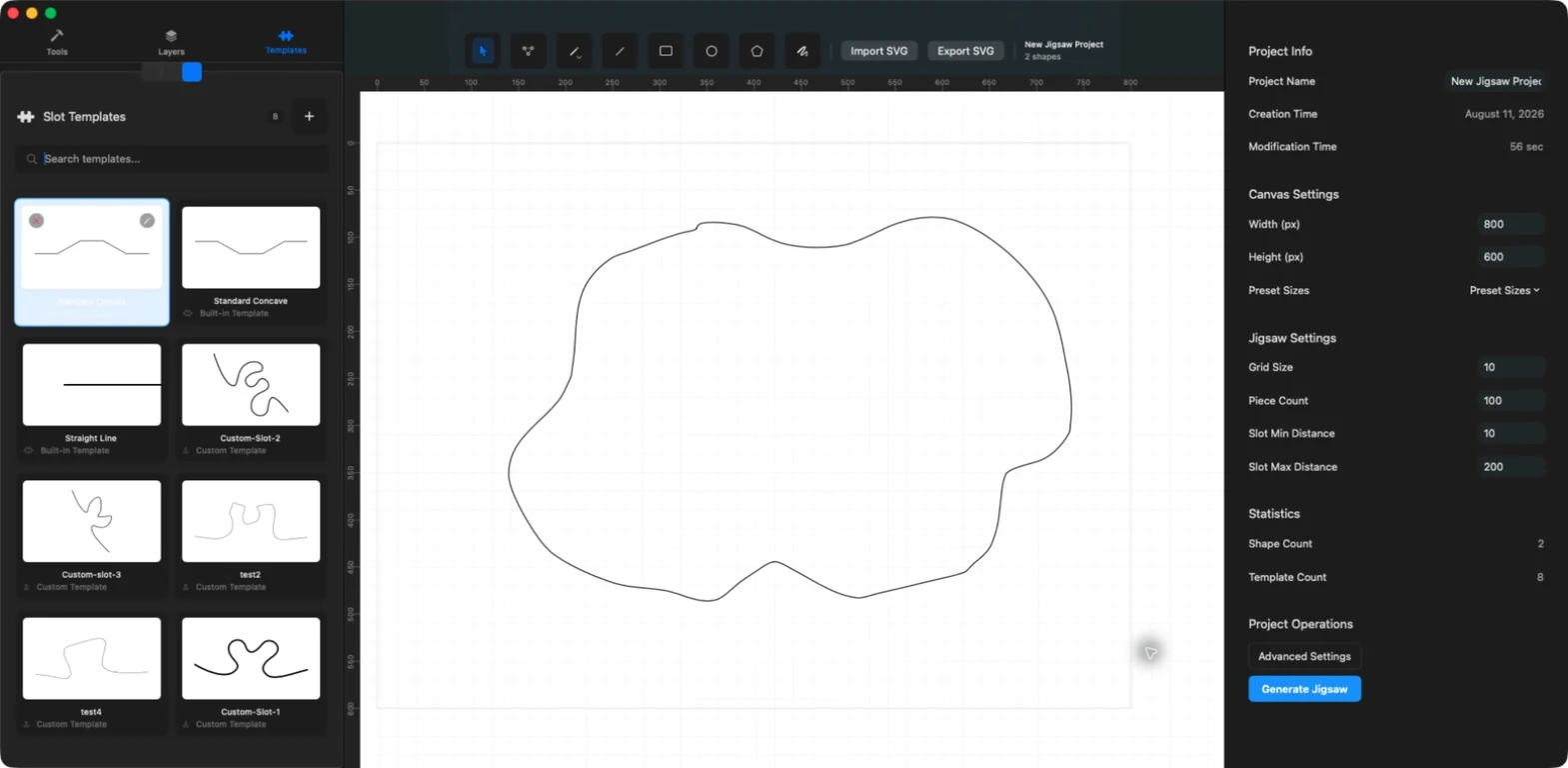
JigsawDesigner turns a drawn or imported vector boundary into editable puzzle geometry. Choose a slot template, set generation parameters, run the native C++ engine, and keep refining the resulting SVG inside the same project.

What you can do
- Draw a boundary or import an existing SVG
- Choose built-in or custom slot templates
- Set grid size, target piece count, and slot distance
- Edit the generated group before exporting SVG
From a vector boundary to puzzle cutlines
Start with the outer contour you want the puzzle to occupy. It can be drawn with JigsawDesigner's Pencil, Bezier, Line, Rectangle, Circle, or Polygon tools, or imported from an SVG file.
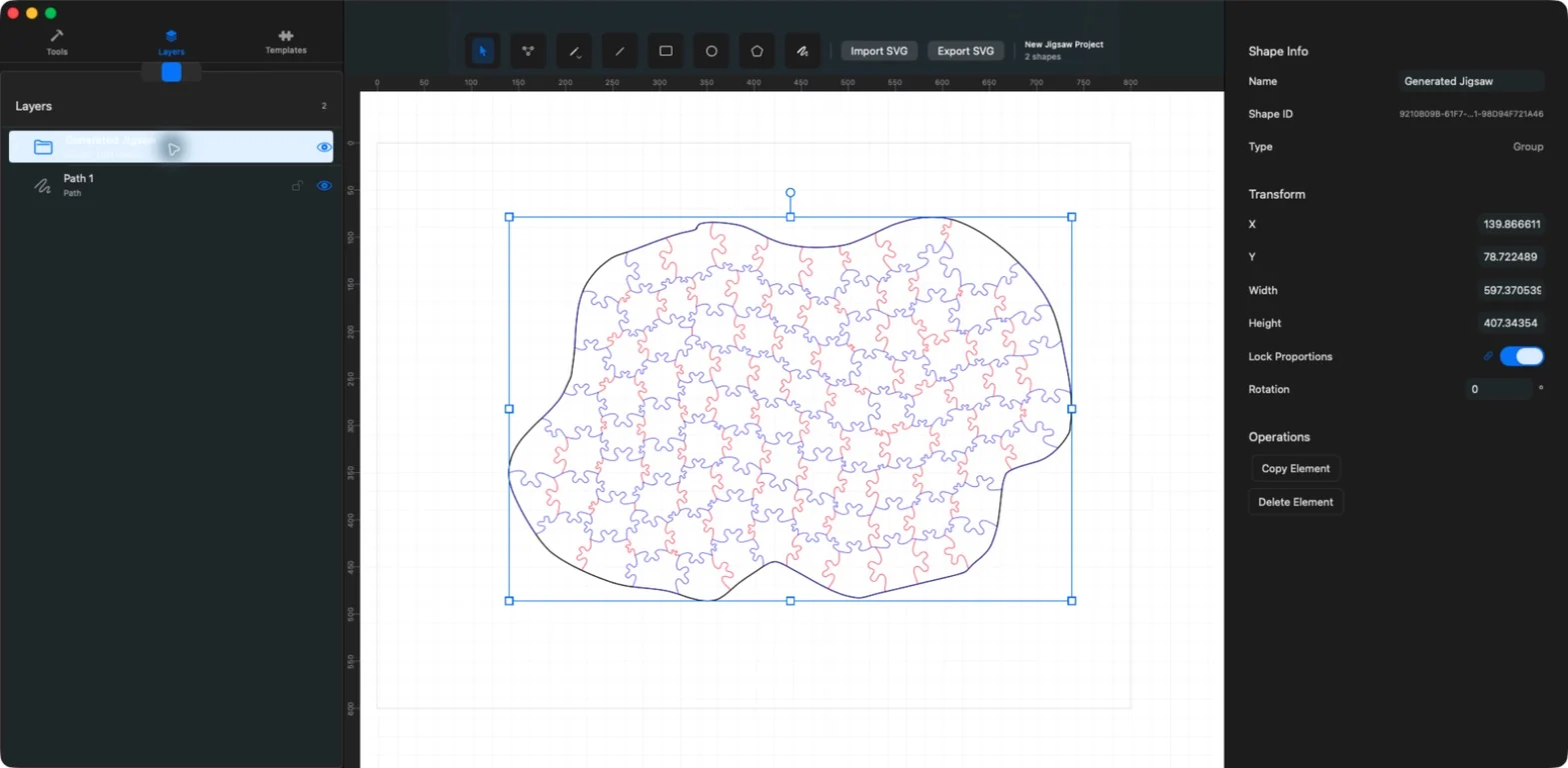
The generator serializes the project geometry and selected slot template for its native C++ engine. The generated SVG is then imported back into the document as an editable group, so generation is part of the vector workflow rather than a final locked preview.
Controls that shape the generated pattern
Use grid size and target piece count to describe the density you want. Slot-distance settings affect where the chosen connection profile is placed. Because the result is algorithmic, treat these values as design inputs and inspect the actual generated geometry before using it downstream.
- Grid size controls the generation grid.
- Target piece count guides the requested puzzle density.
- Minimum and maximum slot distance constrain connection placement.
- The selected slot template supplies the connection path.
Inspect, edit, and export the result
Use the Layers panel, selection tools, point editing, grouping, on-canvas resize and rotation, and Inspector values to refine generated geometry. SVG is the current and only export format.
If the file is destined for printing, craft, or cutting, open the SVG in the relevant downstream software and confirm document units, scale, stroke handling, material settings, and machine-specific requirements there.
JigsawDesigner provides editable SVG geometry. It does not certify a file for a particular machine, material, or manufacturing process.
Frequently asked questions
Which export format does JigsawDesigner support?
The current and only export format is SVG.
Can I edit the puzzle after generation?
Yes. The generated SVG returns to the editor as a group that can be selected, organized, transformed, and edited.
Is puzzle generation unlimited for free users?
The app currently includes 5 free generations. An active Premium subscription unlocks unlimited generation and SVG export.