
Editable vector cutlines
Jigsaw Dieline Generator with SVG Editing
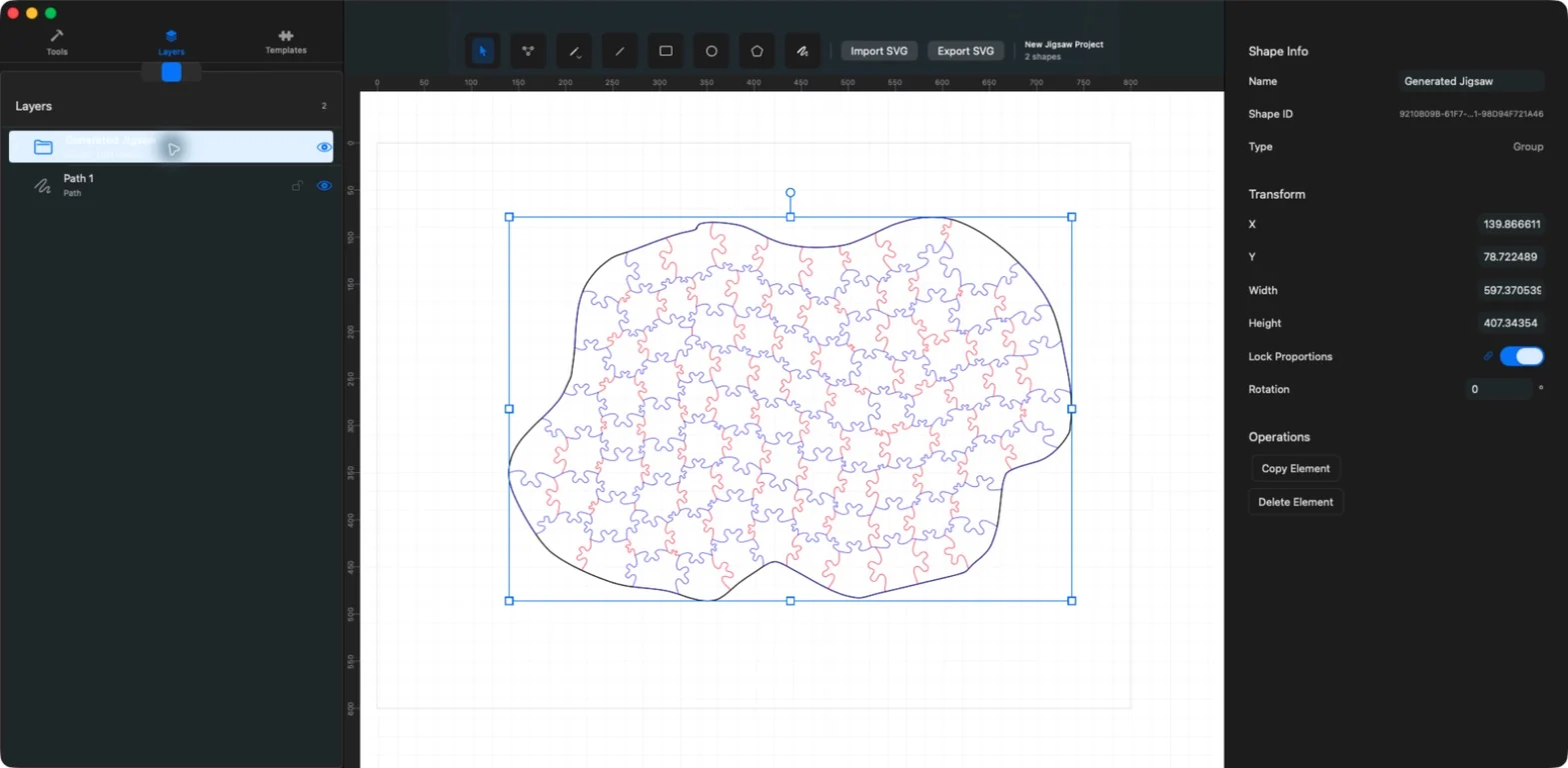
Create the geometry of a puzzle as editable vector cutlines. JigsawDesigner combines algorithm-driven generation with drawing, point editing, layers, transforms, custom slot templates, and SVG export.

What you can do
- Algorithm-driven internal cutlines
- Editable vector groups and paths
- Custom connection profiles
- SVG export for downstream use
What a jigsaw dieline contains
Puzzle outline
The closed outer contour defines the finished puzzle’s silhouette.
Piece-separation cutlines
Shared internal paths divide the outline into individual puzzle pieces.
Tabs and blanks
Tabs or knobs and their matching blanks or sockets are formed along shared piece edges.
Whimsy (optional figural piece)
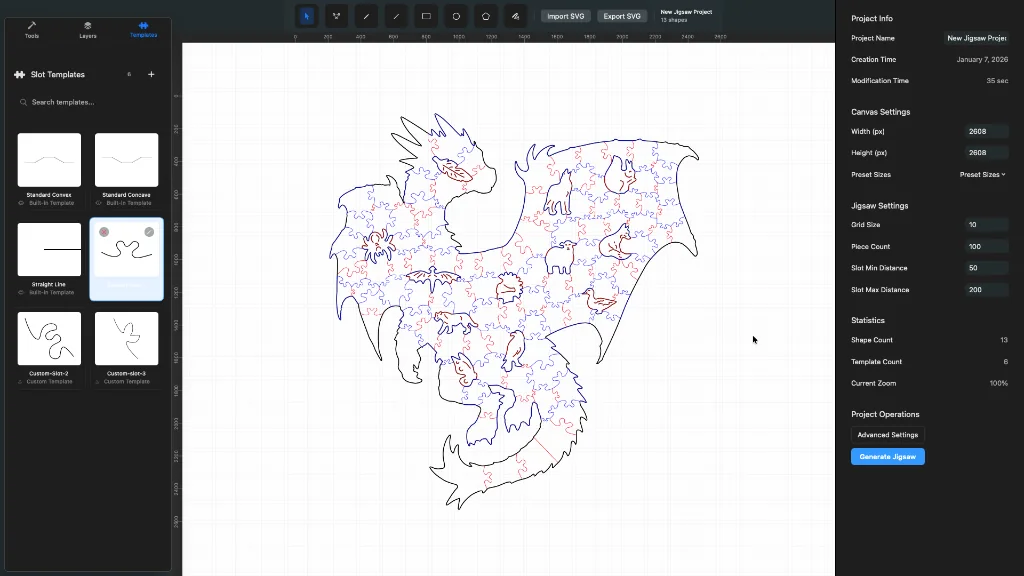
A complete, recognizable themed piece. JigsawDesigner does not currently generate Whimsy pieces automatically.
Output: editable SVG cut geometry
A puzzle cut pattern combines a closed puzzle outline with piece-separation cutlines. Tabs or knobs and their matching blanks or sockets form the interlock along shared piece edges; they are features of those cutlines, not a separate output layer.
A whimsy is a complete figural piece with a recognizable silhouette—not a generic term for inner paths. JigsawDesigner does not currently generate Whimsy pieces automatically; design or import the geometry deliberately and inspect its integration with surrounding cutlines.
JigsawDesigner uses the supplied boundary, slot path, grid, target piece count, and distance settings to construct SVG geometry. The generated result remains part of the document tree, so it can be selected, grouped, transformed, and inspected before export.
Refine the vector geometry
Use Select for whole elements and Point Edit for anchor-level changes. Layers reveal nested groups, while lock and visibility controls help protect or isolate sections of a complex design.
- Resize and rotate a selection on the canvas
- Lock proportions while scaling
- Edit Bezier anchors and control handles
- Group or ungroup elements with undo and redo
Hand the SVG to the next tool
Export the document as SVG, then configure production-specific properties in the software responsible for printing or cutting. Stroke colors, kerf compensation, units, material profiles, and machine settings depend on that downstream environment.
Verify the exported SVG in the downstream software used by your equipment before committing material.
Frequently asked questions
Is a dieline the same as an image?
No. A dieline is vector geometry that describes boundaries and cutlines.
Does JigsawDesigner guarantee every piece is unique?
No such guarantee is made. Inspect the generated geometry for your intended design and workflow.