
SVG handoff workflow
Prepare a Jigsaw Puzzle SVG for a Laser-Cutting Workflow
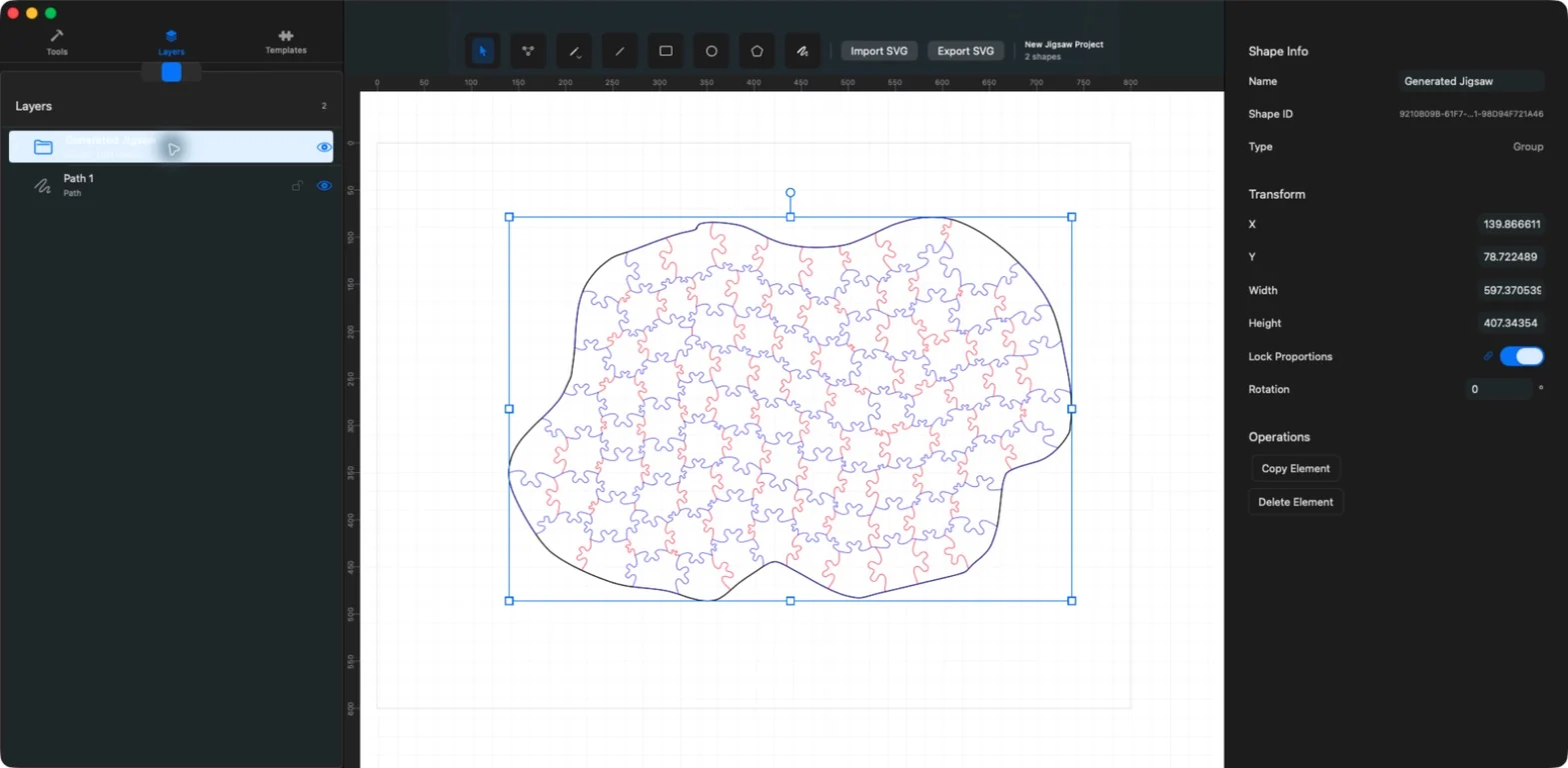
JigsawDesigner creates editable SVG cutline geometry. Use it for the design stage, then move the exported SVG into your cutting software to apply the settings required by your material and equipment.

What you can do
- Generate editable SVG paths
- Inspect layers and connections
- Export a standard SVG document
- Validate all production settings downstream
Use JigsawDesigner for the vector design stage
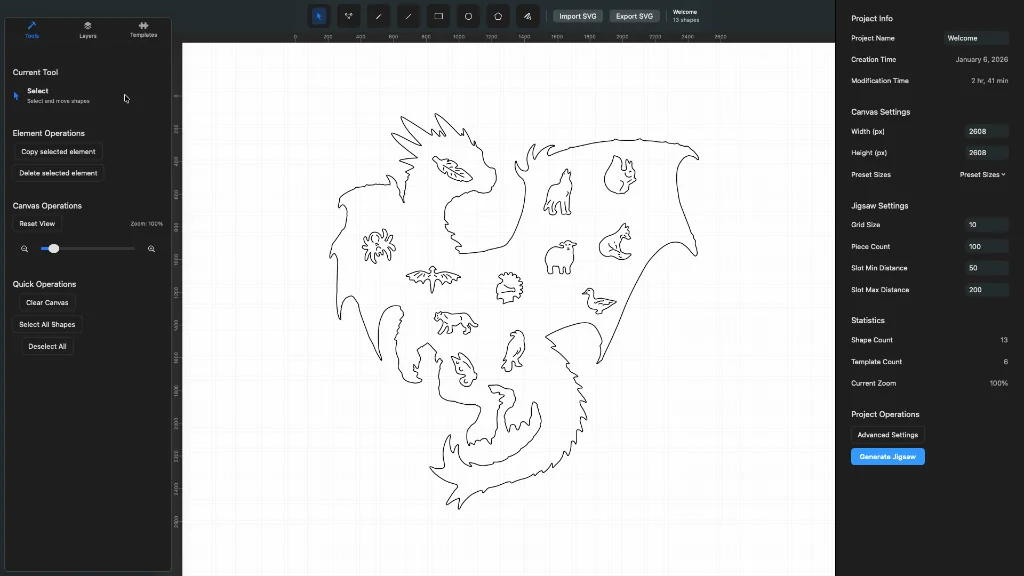
Draw or import the boundary, select a slot template, choose generation parameters, and inspect the resulting paths. Correct overlaps, unwanted elements, scale, or orientation before export.
Preflight the SVG geometry
Zoom in on connections and edges, use Layers to isolate groups, and verify the document dimensions. Keep a saved JigsawDesigner project so you can return to editable source geometry if the downstream test reveals a problem.
- Confirm the intended boundary and internal paths
- Check scale and document dimensions
- Remove hidden or duplicate cutting geometry
- Save the editable project before exporting SVG
Validate the real cutting setup downstream
Import the SVG into the software used by your cutter. Assign operation types, speed, power, passes, kerf compensation, and material-specific settings there. Run the device vendor's recommended safety checks and a small test before committing material.
Use your equipment documentation and downstream software to confirm that the file and settings suit your setup.
Frequently asked questions
Can the exported SVG go directly to every laser cutter?
Do not assume that. It is vector geometry for a downstream workflow; verify format handling and production settings in the software and documentation for your equipment.
Does JigsawDesigner set kerf or laser power?
No. Configure machine and material settings in the downstream cutting software.