JigsawDesigner Help
Import and Export SVG Files
SVG is the interchange format for bringing vector geometry into JigsawDesigner and taking finished geometry into another workflow. The editable .jigsawproject package is a separate source format for preserving project state and assets.
Import SVG into the current project
Use Import SVG and choose a file. Common paths, shapes, text, images, groups, transforms, clip paths, and use references can be parsed into the document. Inspect the result because complex SVG features can vary.
Remote HTTP images are blocked, as are script and foreignObject content. Embed required images instead of relying on a remote URL.
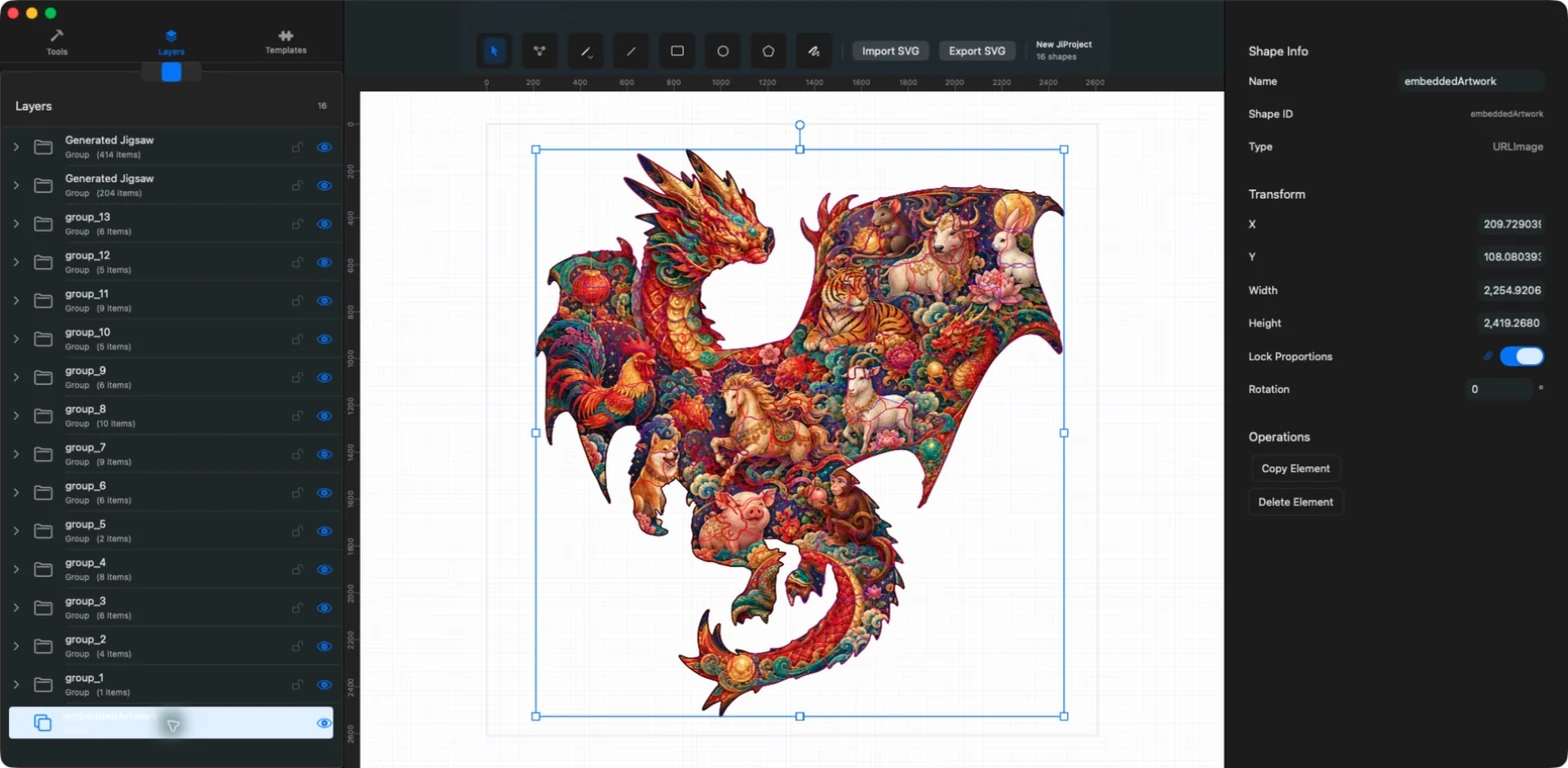
Import existing SVG files to use as puzzle boundaries or design elements.
Import SVG
See the result
Choose Import SVG in the editor menu and select a file. This example reopens the exported SVG in a new project, preserving its outline and internal cutlines.
Use Import SVG and choose a file. Common paths, shapes, text, images, groups, transforms, clip paths, and use references can be parsed into the document. Inspect the result because complex SVG features can vary.
Remote HTTP images are blocked, as are script and foreignObject content. Embed required images instead of relying on a remote URL.
Save the editable source project
A .jigsawproject package stores project.json, document.svg, and content-addressed assets. Use it when you want to reopen the complete editable project, including settings and embedded image data.
Export a portable SVG
Use Export SVG to write the current document as SVG. The export includes document geometry, groups, transforms, and preserved resources supported by the writer.
SVG is the current export format. Exporting artwork from the main canvas requires Premium.
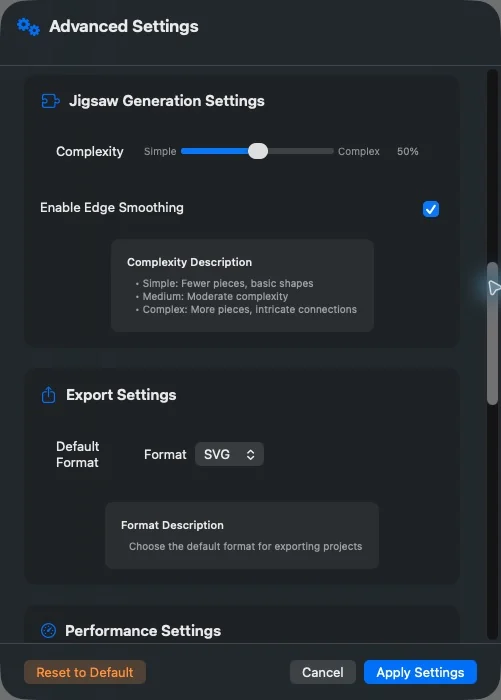
1Editor menu
Open the top-left menu to create or save a project, import or export SVG, adjust zoom, or open Advanced Settings.
2SVG export
Choose Export SVG in the editor menu, confirm the filename and location, then tap Save. Exporting artwork requires Premium.
Use Export SVG to write the current document as SVG. The export includes document geometry, groups, transforms, and preserved resources supported by the writer.
SVG is the current export format. Exporting artwork from the main canvas requires Premium.
Frequently asked questions
Can I import an SVG that references an online image?
The app does not fetch remote HTTP images. Embed the image or use a local supported resource.
What should I use for later editing?
Keep the .jigsawproject package as the editable source and use SVG for interchange.