JigsawDesigner Help
Manage Projects, iCloud Sync, and Sharing
The Project Library brings together your projects, public projects, and projects shared through CloudKit. Local persistence remains part of every normal save; cloud features apply when enabled and available.
My Projects
Create, open, rename, and delete projects from My Projects. Normal saves first write a local .jigsawproject package. When the project prefers cloud storage and iCloud is available, the app also schedules CloudKit synchronization.
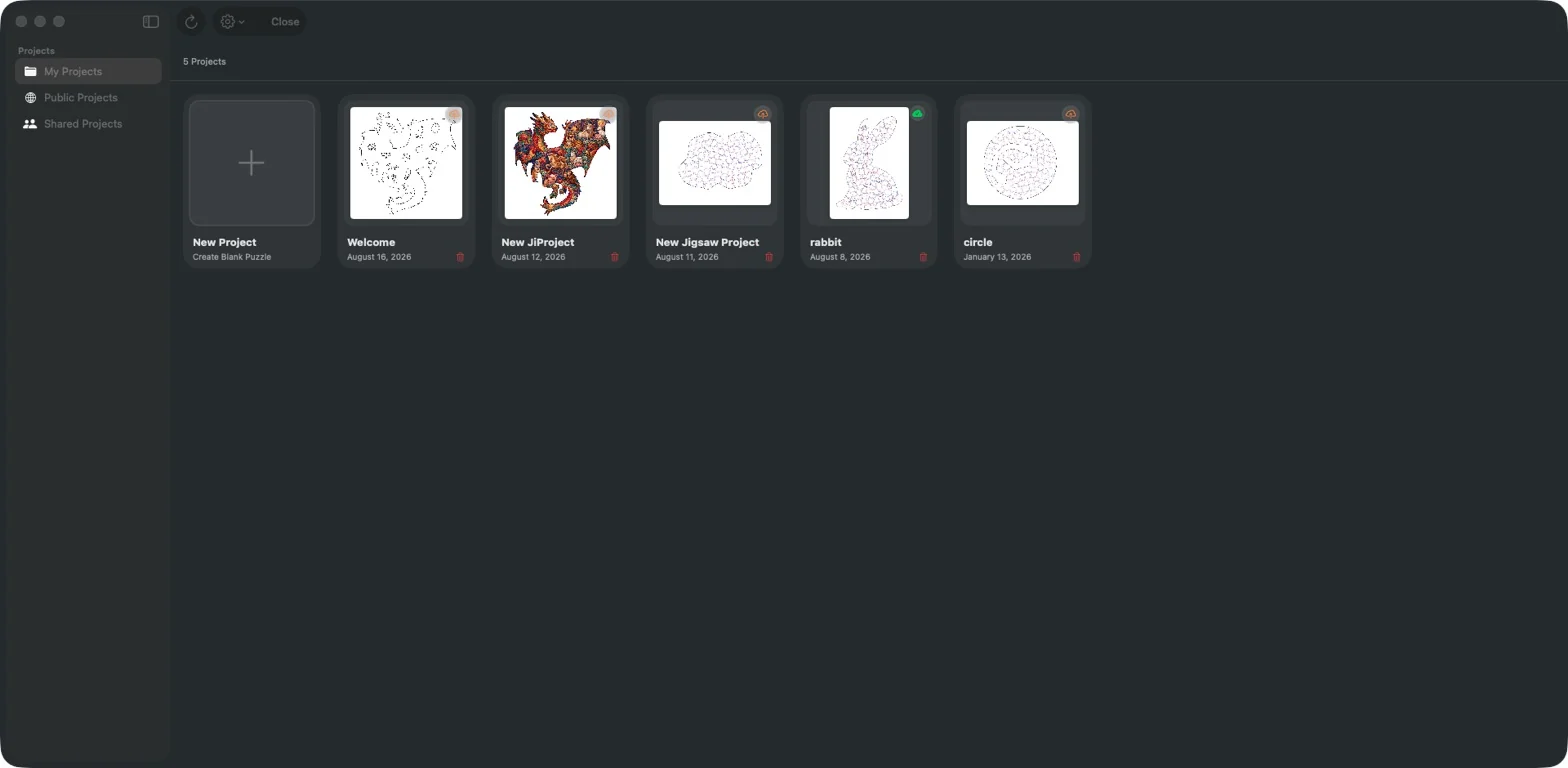
Project library
Tap the home button to return to your projects. Open a saved design or use the + card to create one.
Project Library
My Projects stores local project packages and can sync them through iCloud/CloudKit when cloud sync is enabled and available.
Create, open, rename, and delete projects from My Projects. Normal saves first write a local .jigsawproject package. When the project prefers cloud storage and iCloud is available, the app also schedules CloudKit synchronization.
Saving and iCloud
Set the autosave interval and iCloud preference. Check the saved project and its sync status before opening it on another device.
SVG export
SVG is the current export format. Exporting artwork from the main canvas requires Premium.
Saving and iCloud
iPhone
Saving and iCloud
Open Advanced Settings from the editor menu. Expand the relevant group to adjust editor, saving or iCloud preferences, then apply the changes.
Set the autosave interval and iCloud preference. Check the saved project and its sync status before opening it on another device.
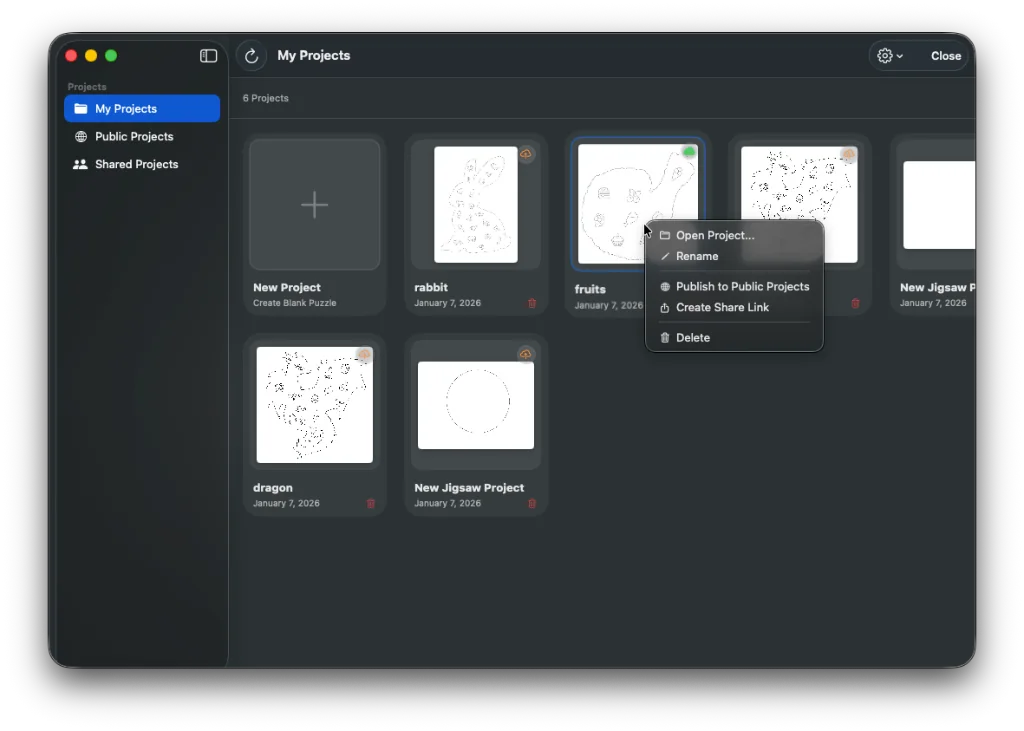
Use the project context menu
Open a project’s context menu to open or rename it, publish it to Public Projects, create a share link, or delete it. Publishing makes an importable public copy; the current share-link permission is read-only.
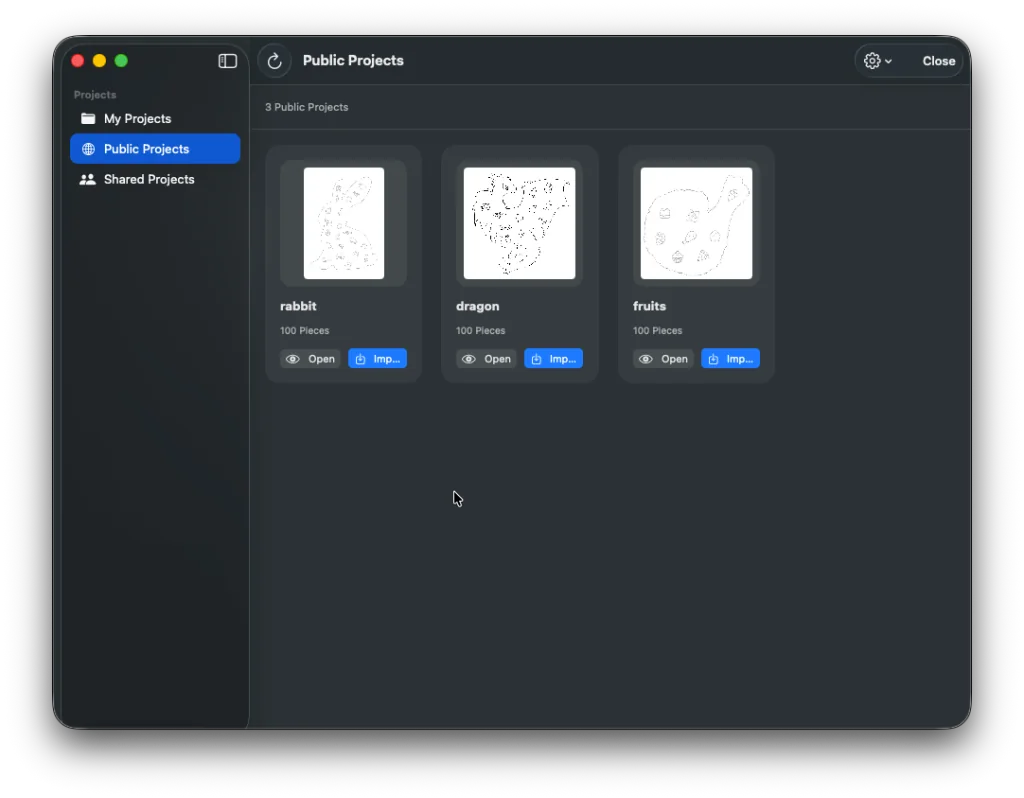
Public Projects
A project can be published to the public CloudKit database for community discovery. Public projects can be browsed and imported as a copy into My Projects.
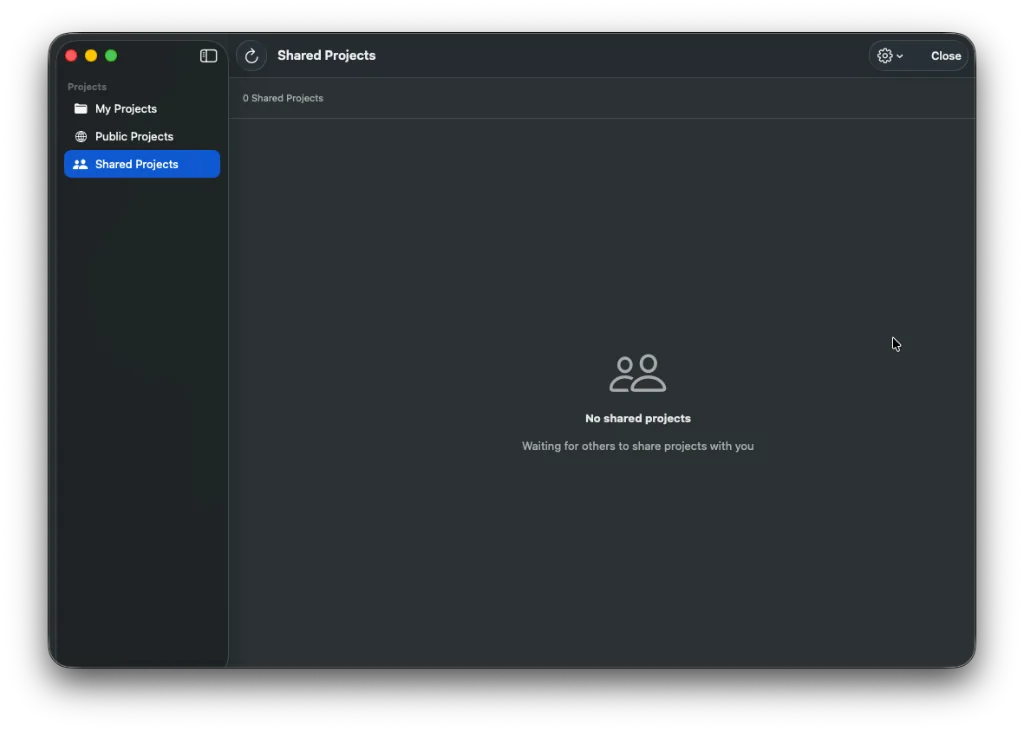
Shared Projects
JigsawDesigner can create and accept CloudKit share links. The current share implementation sets public permission to read-only, so recipients can view a shared project but are not granted editing access.
Frequently asked questions
Are projects stored only in iCloud?
No. Normal saves keep a local project package. Cloud synchronization can also occur when enabled and available.
Can recipients edit a shared project?
The current share link implementation is read-only.