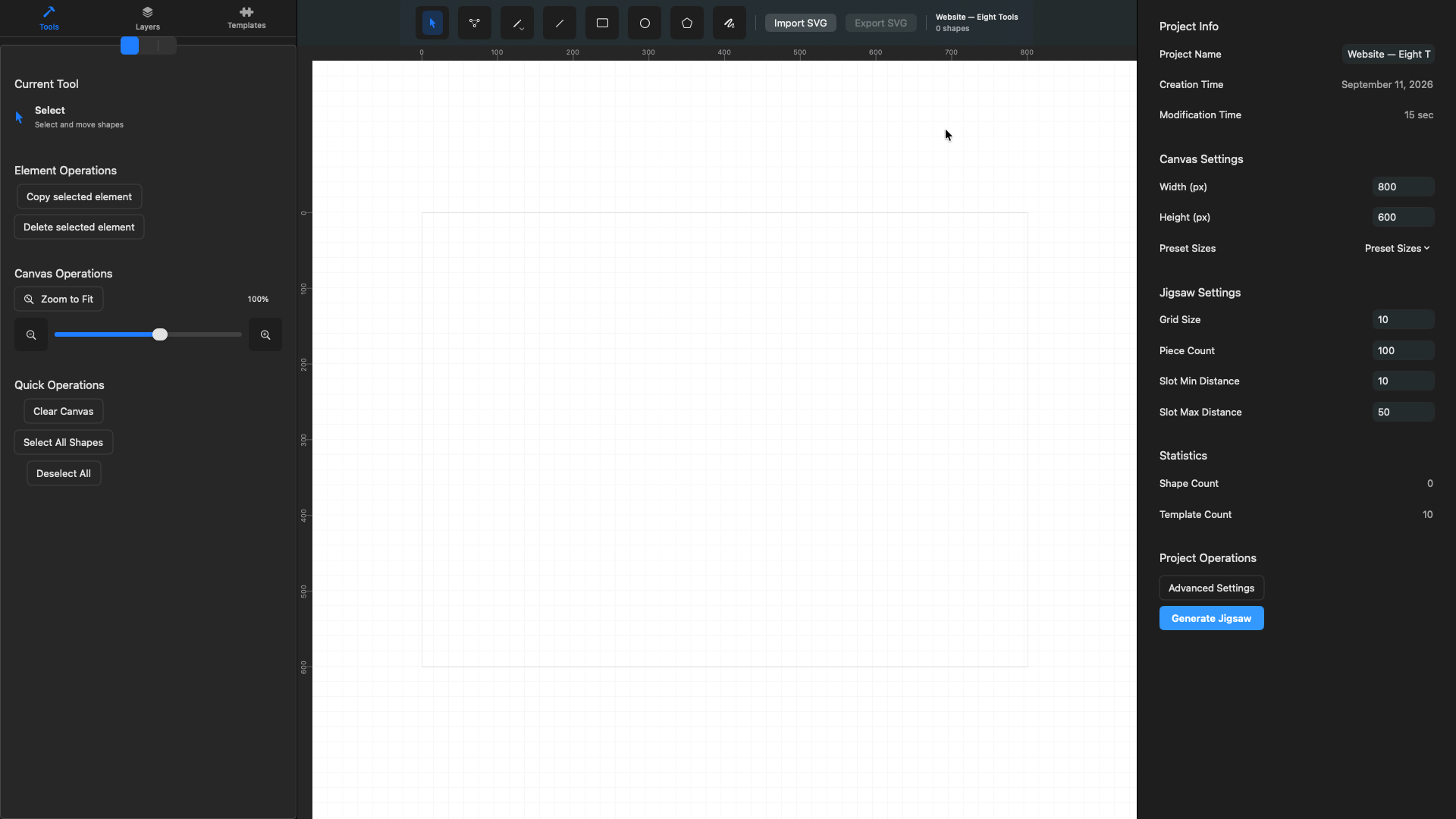
Import or draw the source geometry
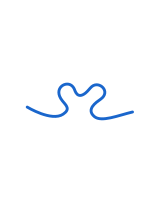
Bring in an SVG or draw a closed contour with vector tools. Check its scale, groups, and visible geometry on the canvas before generation.

JigsawDesigner 1.6.0 · iPhone, iPad, and Mac
Draw or import a vector boundary, generate the pattern, refine every path, and export an editable SVG—on Mac, iPad, or iPhone.


Puzzle cut design
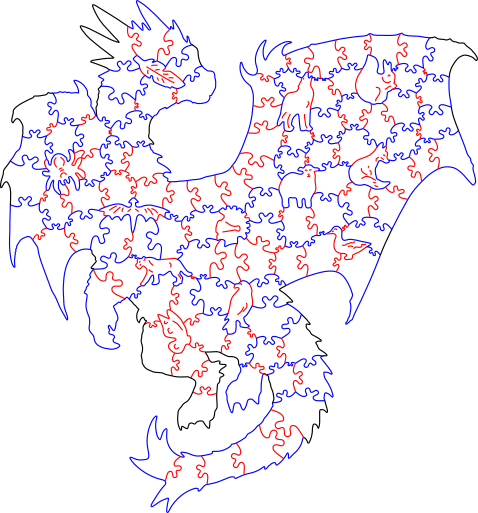
Every cut pattern begins with a closed puzzle outline. Inside it, shared cut paths divide the design into individual pieces. Tabs and matching blanks form the interlocks along those shared edges. A whimsy is different: it is a complete, recognizable figural piece integrated into the cut pattern.
JigsawDesigner applies the selected slot template to eligible piece-separation edges and keeps the result as editable SVG geometry. Whimsy pieces must be designed or imported and checked manually; the generator does not create them automatically. Material, kerf, power, speed, and safety settings remain downstream.
The closed outer contour defines the finished puzzle’s silhouette.
Shared internal paths divide the outline into individual puzzle pieces.
Tabs or knobs and their matching blanks or sockets are formed along shared piece edges.
A complete, recognizable themed piece. JigsawDesigner does not currently generate Whimsy pieces automatically.
Output: editable SVG cut geometry
The real workflow
Generation is one step inside the project—not the end of the design process.
Bring in an SVG or draw a closed contour with vector tools. Check its scale, groups, and visible geometry on the canvas before generation.

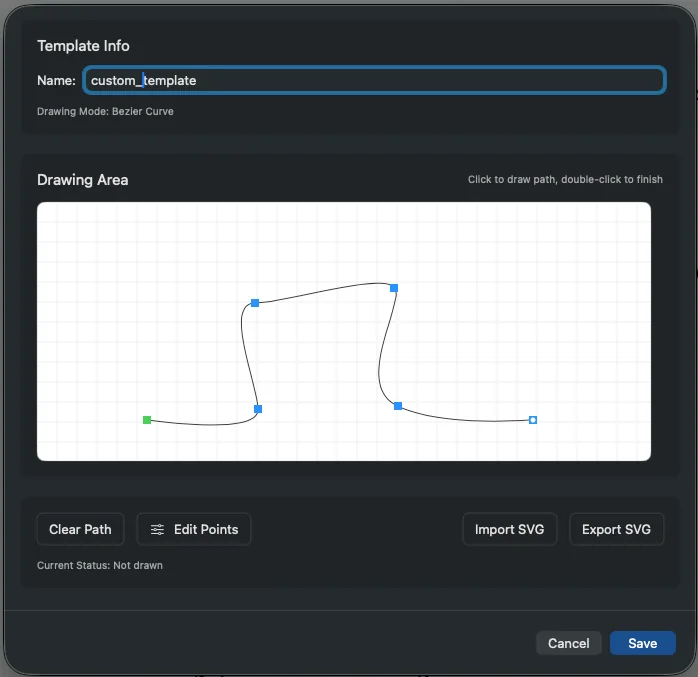
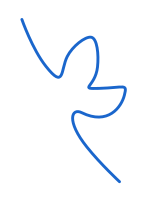
Choose a built-in or custom slot profile, set grid and distance values, and generate. Review the result instead of treating the first output as final.

Use selection handles, Layers, Point Edit, grouping, and Inspector values to make the document ready for the next tool in your workflow.

Product-owned examples
Each JigsawDesigner team example records the objective, source geometry, in-app result, and the next vector edit.


One workflow, three Apple devices
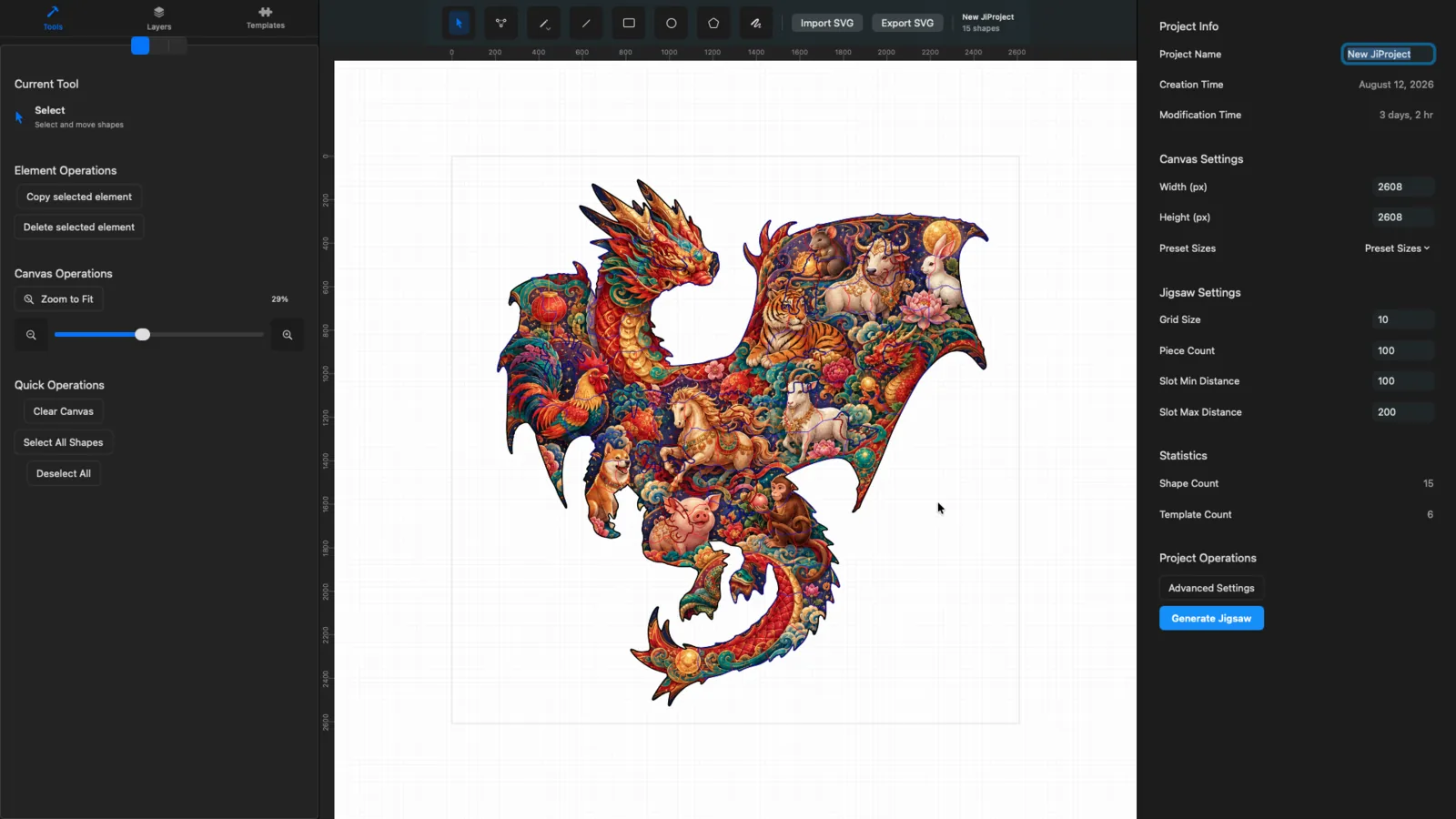
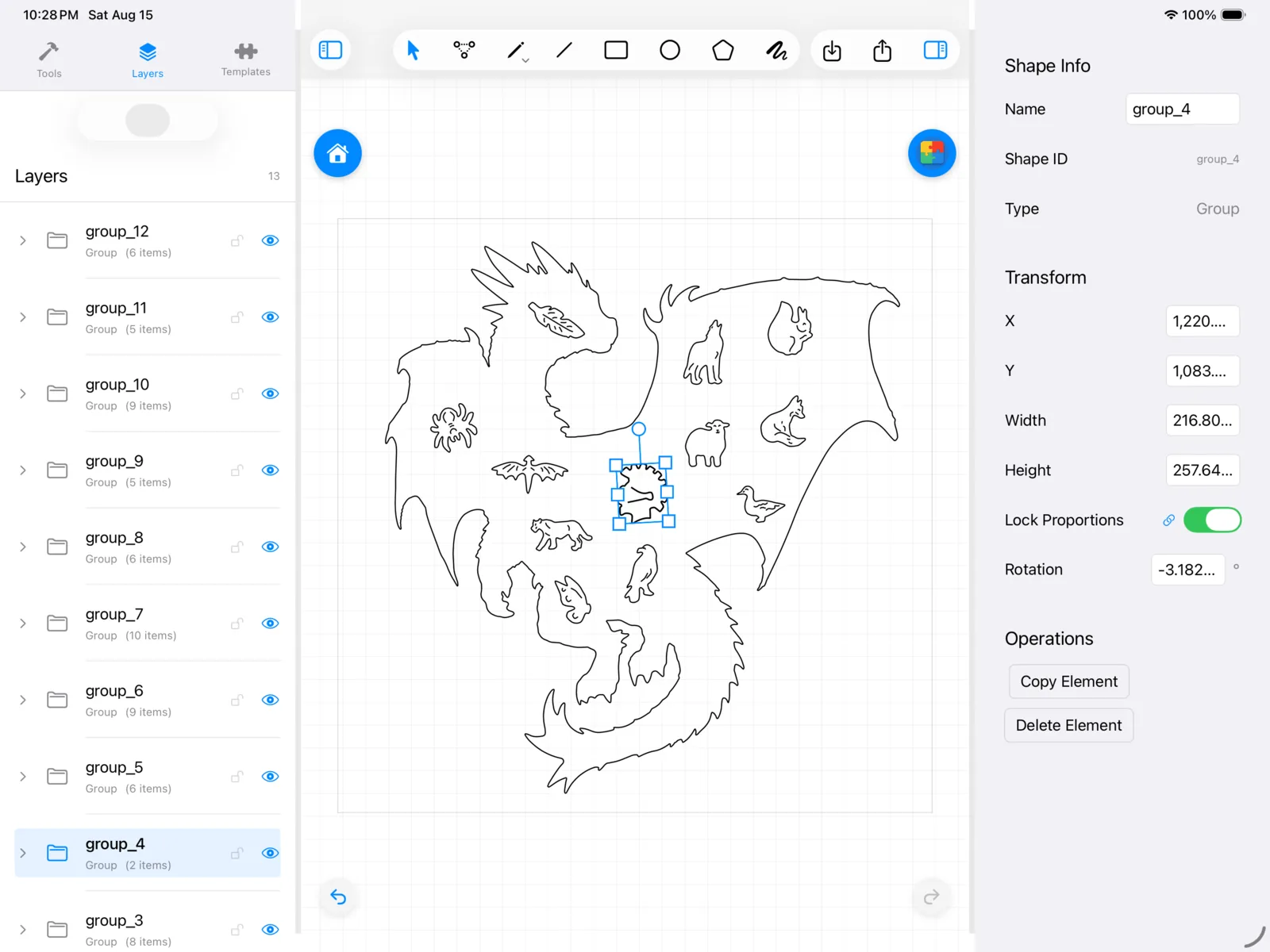
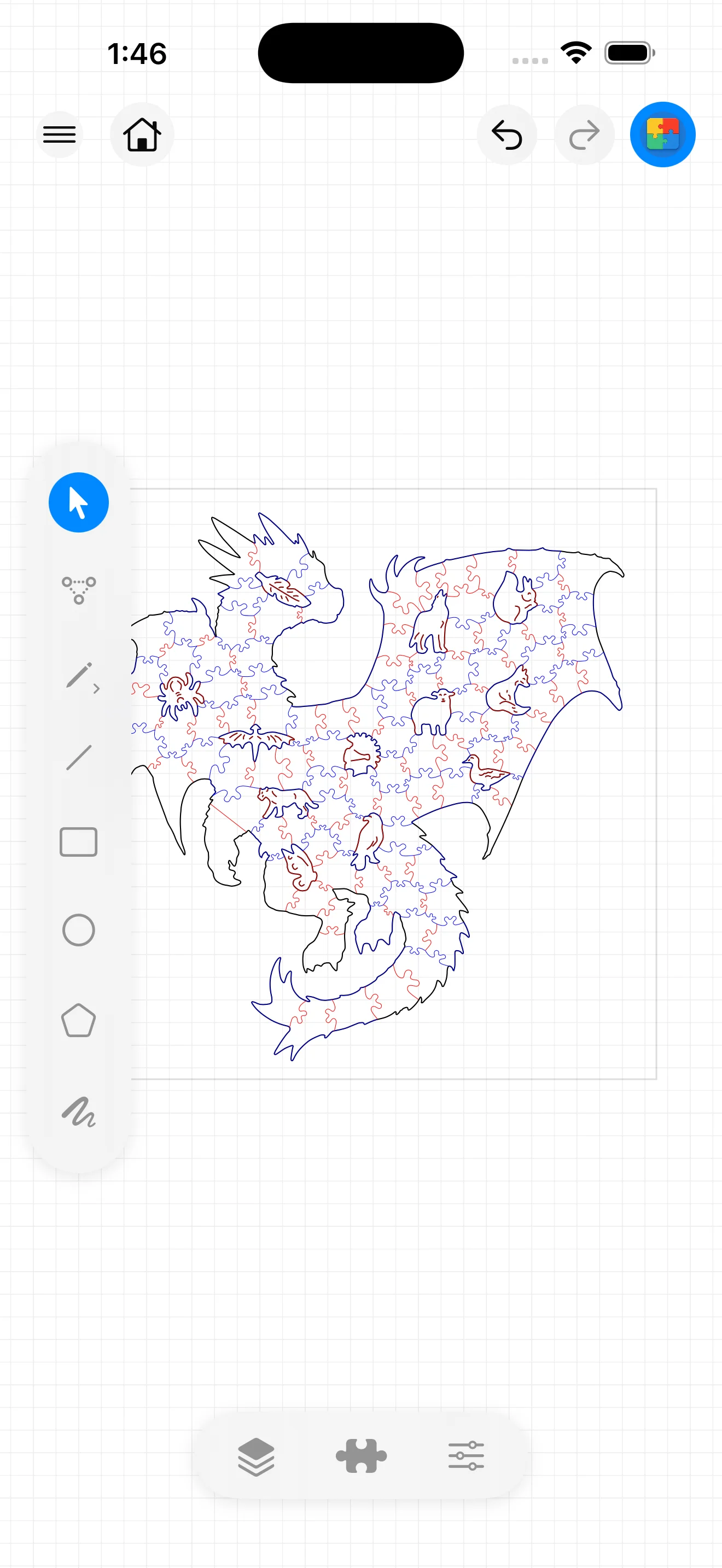
The same core editor is available on Mac, iPad, and iPhone. The screenshots below come from the current 1.6 product build.

Full SVG workspace

Touch-based vector editing

Compact selection workflow
Open vector artwork and inspect its visible structure.
Edit anchors, groups, transforms, and drawing paths.
Draw or import the connection shape used by the generator.
Keep editable studies organized for later revisions.
After export
JigsawDesigner hands off SVG geometry. Your cutting software and equipment remain responsible for operations, material settings, and safety.
Keep the editable project and export the geometry needed downstream.
Confirm units, scale, duplicate paths, stroke interpretation, and intended operations.
Use a small test and the equipment vendor’s guidance before committing a full sheet.
Record the final material and machine settings outside JigsawDesigner for repeatability.
JigsawDesigner does not replace cutting software, equipment documentation, or safe operating procedures.
Premium adds unlimited generation and SVG export. Apple handles monthly and yearly subscriptions.
Try the core generation workflow.
Continue generating and export SVG.
The App Store displays the current price for your region.
Yes. Draw a closed vector boundary or import suitable SVG geometry, then choose the boundary used for generation.
Yes. The generated cutlines return to the document as editable SVG geometry.
JigsawDesigner currently exports SVG. SVG export is included with Premium.
No. Validate units, scale, material, kerf, operations, power, speed, and safety in the downstream workflow for your equipment.
Learn by stage
Choose one of three paths: understand cutlines, complete a project, or refine and export SVG.